A Bitcoin wallet is not simply an app that holds coins. It is a tool for managing the keys that let you authorize transactions. The right starting point is not a product name. It is understanding what you control, what you back up, and what could go wrong.
Start with the job the wallet needs to do
A wallet can be useful for learning, occasional spending, or longer-term self custody. Those situations have different tradeoffs. A phone wallet can make small everyday payments convenient. A hardware wallet can keep signing keys off an internet-connected device. Neither choice removes the need to learn the recovery process.
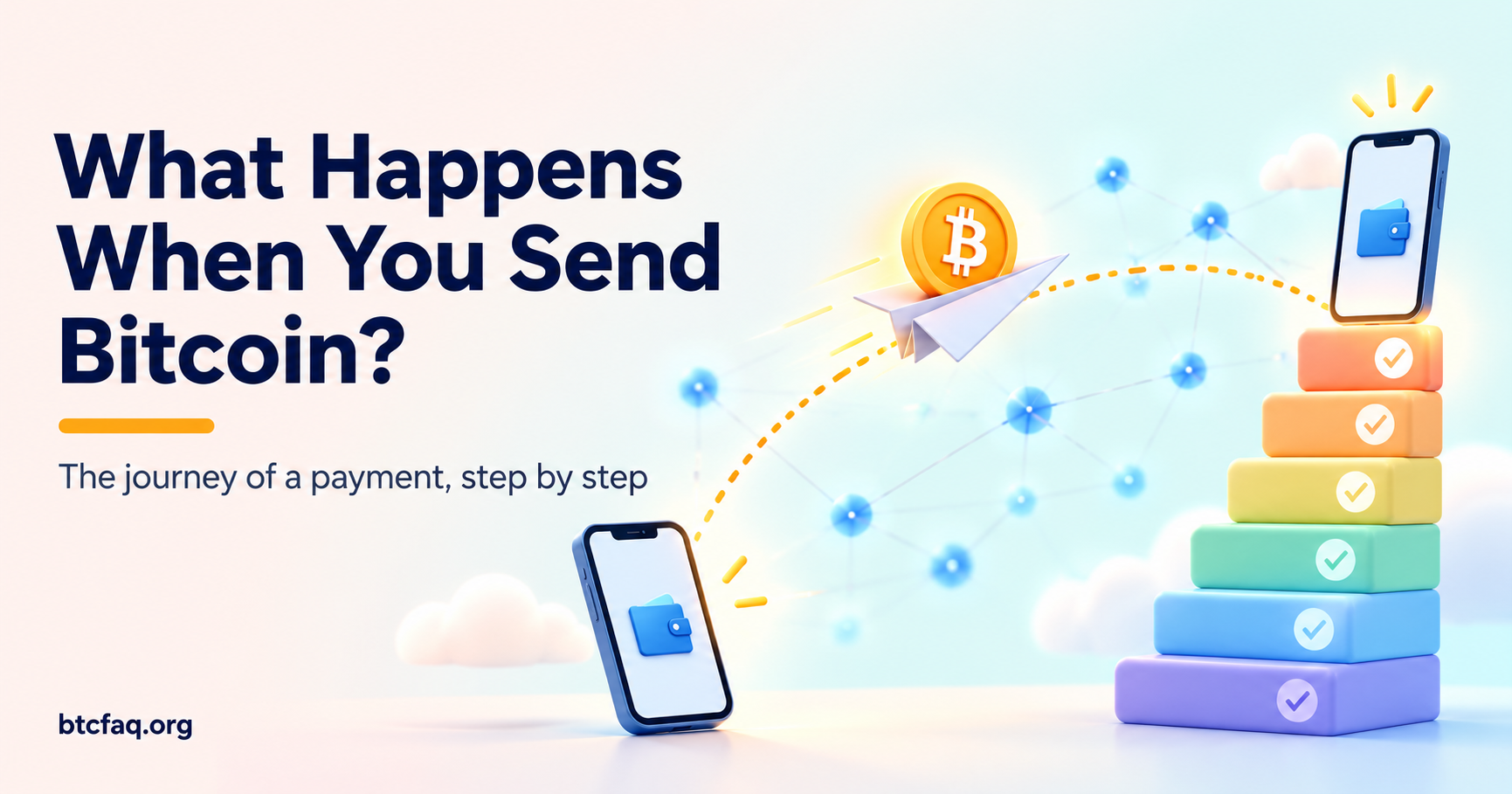
Before adding funds, make a small test transaction. Practice receiving, sending, and confirming what the wallet shows. Treat the first setup as a rehearsal rather than a deadline.
Protect the recovery backup
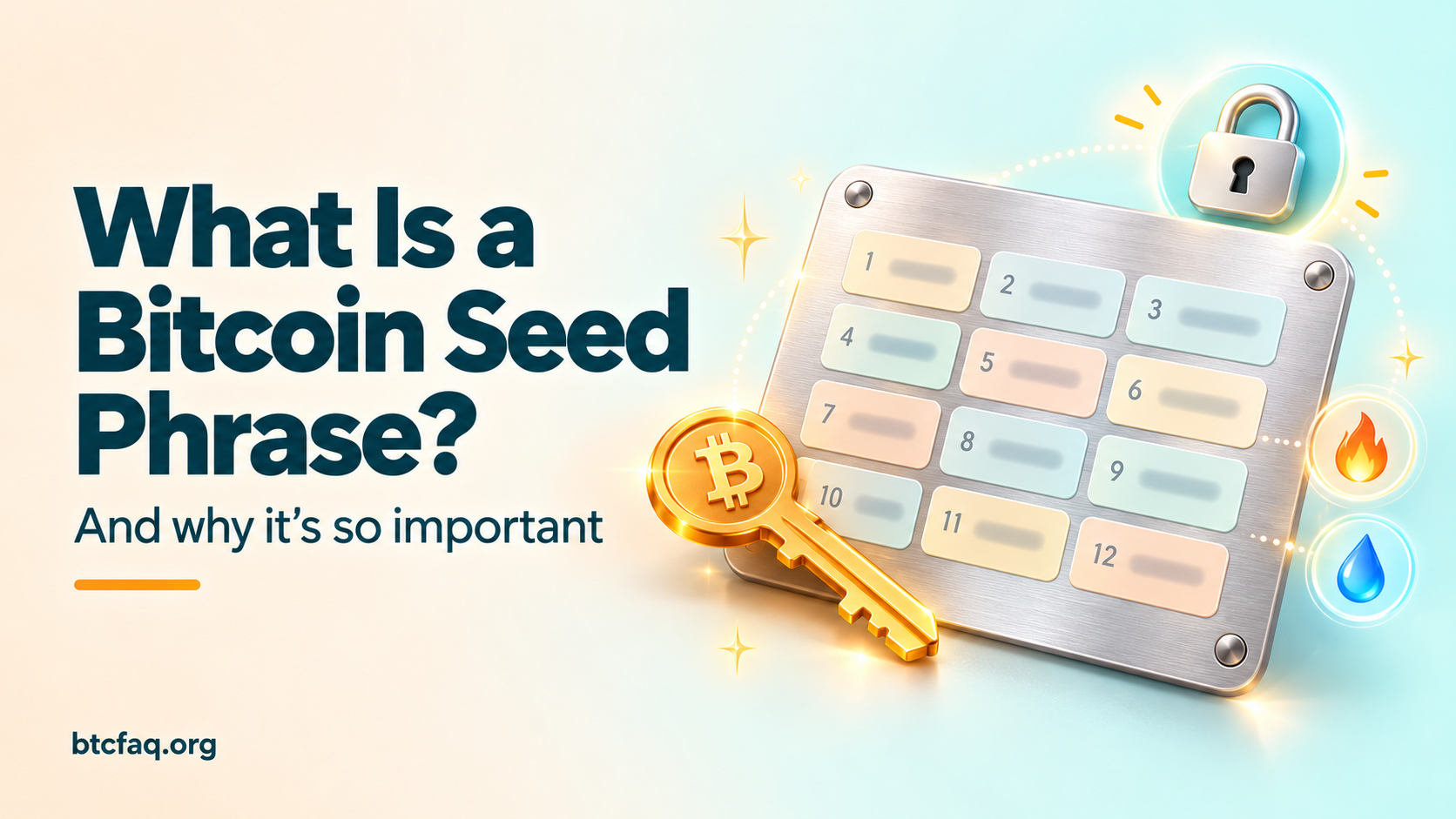
Most self-custody wallets create a recovery phrase during setup. Anyone who learns that phrase can usually control the bitcoin secured by it. Never paste it into a website, send it in a message, or store it in a cloud note.
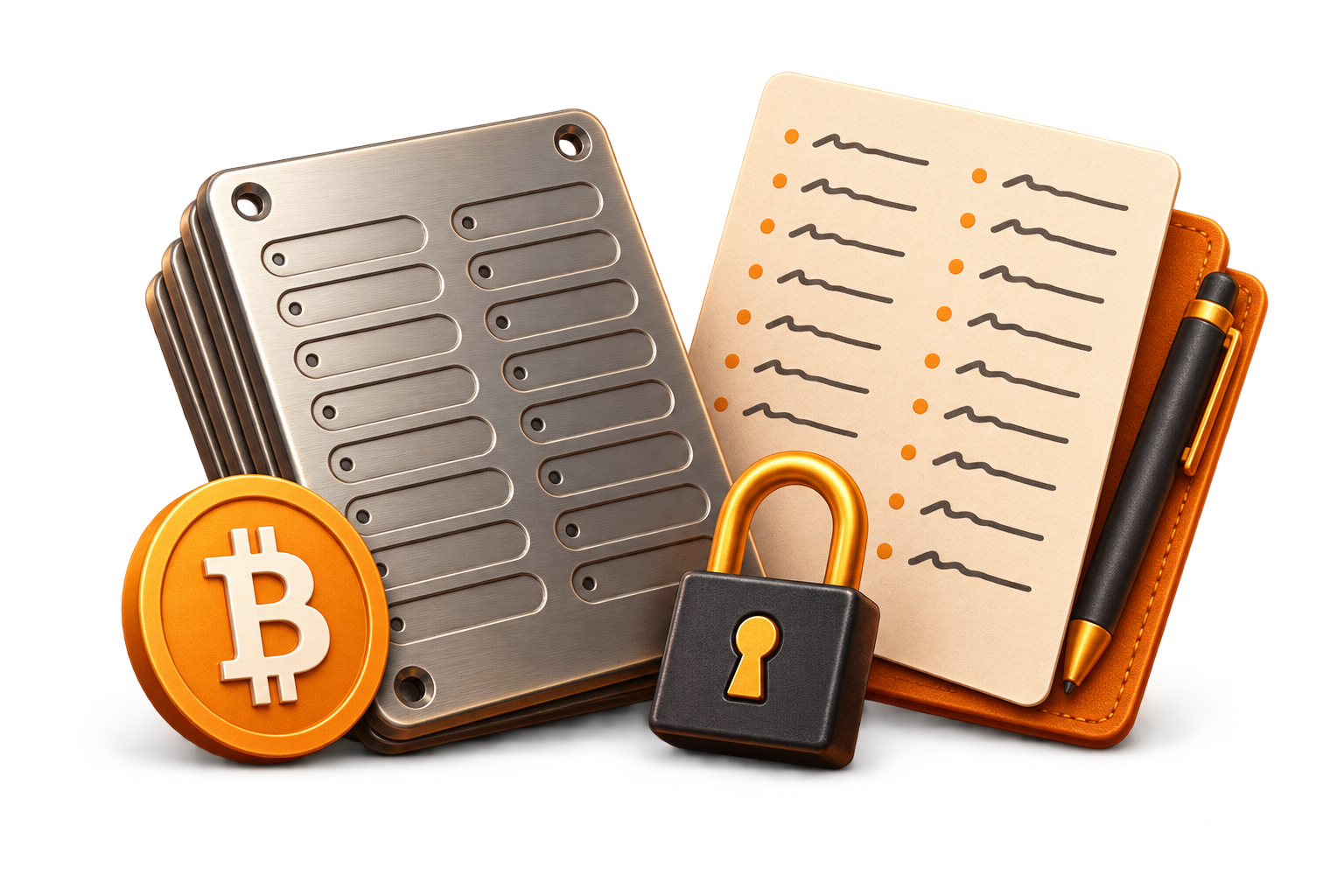
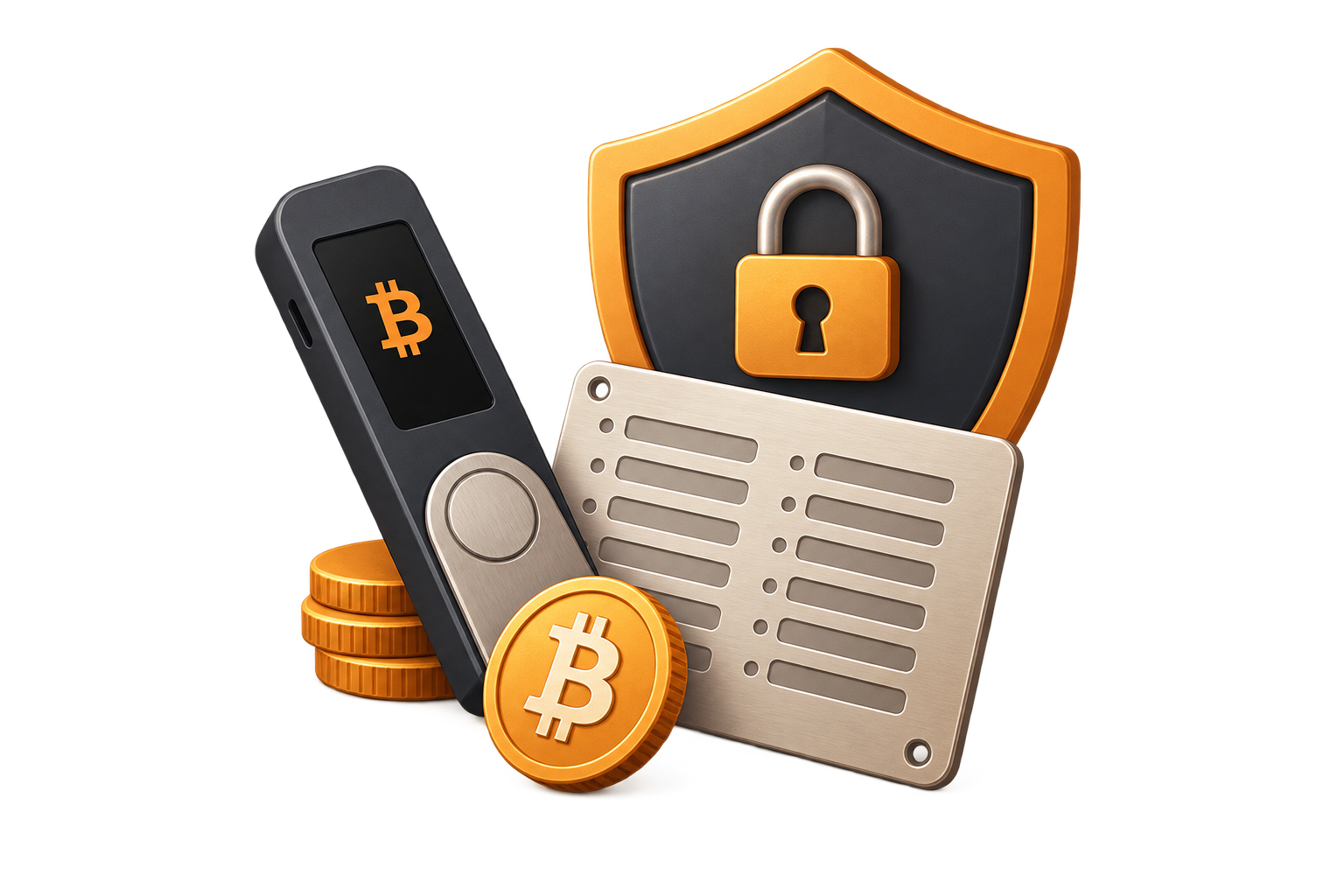
Write the recovery information down exactly as the wallet presents it. Store the backup in a place that balances privacy, damage resistance, and access for you. Some people use paper for a small learning balance; others consider more durable materials for longer-term storage. The important part is that you understand the recovery procedure before you need it.
Verify before you send
Bitcoin transactions are generally difficult to reverse. That makes deliberate verification more valuable than speed. Check the receiving address, the amount, the network fee, and the destination before approving a transaction. For a hardware wallet, compare the address shown on the device with the address shown on the computer or phone.
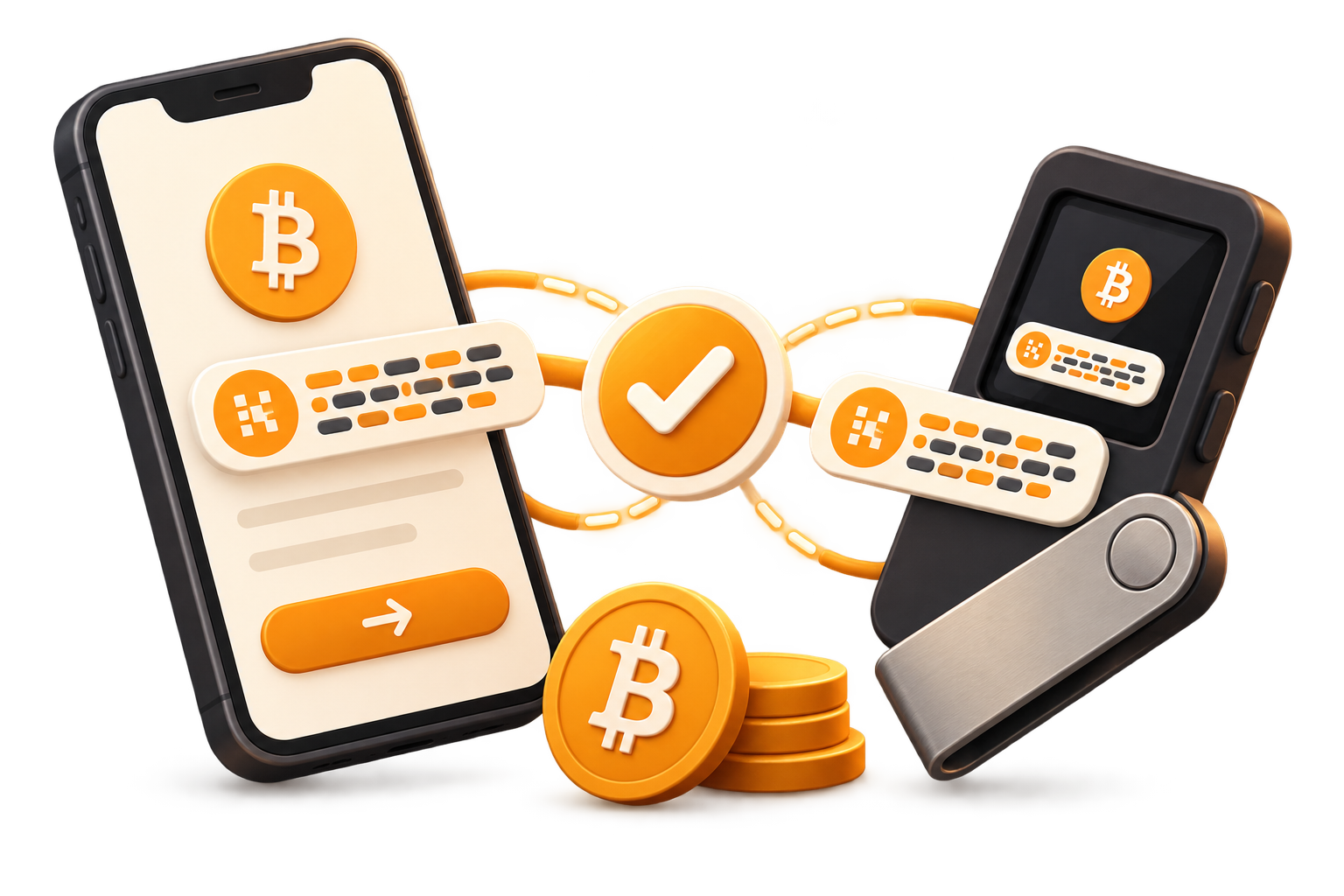
Beware of clipboard-changing malware, lookalike websites, and urgent requests. If something feels rushed, pause. A reputable wallet workflow does not require anyone else to know your recovery phrase.
Keep the process simple
Good security is often repeatable security. Use official download sources, keep the device software current, and document your own recovery steps in a private way. Start with an amount you can afford to treat as tuition while learning.
This guide is educational, not personal financial advice. The goal is to help you ask better questions before using any Bitcoin wallet.