When the Coldcard hack hit in July 2026, a lot of people had the same uncomfortable thought: "I thought I'd done everything right. What exactly was I supposed to do differently?"
It's a fair question, and it's the reason I wrote this. The hack was about weak randomness when some wallets created their seeds, so no amount of care after the seed existed could have fixed it. But a few habits would have limited the damage, or helped people recover faster: knowing how your seed was created, backing it up properly, testing recovery, and for larger amounts, splitting risk across several keys with multisig.
This guide is a beginner's checklist. I'll explain each step in plain English, tell you what the sources say (including where they disagree), and give you my honest opinion on what's worth the effort and what's overkill. If you're brand new, don't worry: you don't need to do everything on day one.
This article is educational, not financial advice, and it is not personal security advice for any specific wallet. For anything model-specific, follow your wallet maker's own current guidance. For large amounts, consider speaking with a qualified professional.
The Short Answer
- • First, check whether your wallet's seed was affected. If you use a Coldcard, the manufacturer's security status page is the source of truth.
- • A firmware update doesn't repair an old seed. If a seed was generated on affected firmware, it needs to be replaced.
- • A good seed backup is durable, private and tested. Metal can survive hazards that destroy paper; separate storage reduces shared risks, but locations must also be secure. Test recovery before entrusting significant funds.
- • Multisig can distribute signing authority across independently generated keys. Different vendors may reduce common-vendor risk, but do not eliminate shared software flaws, recovery mistakes or collusion.
- • Don't overcomplicate it. One of the best lines in the sources: "Unnecessary complexity is a security threat."
Quick Refresher: What Went Wrong in the Coldcard Hack?
In July 2026, attackers drained bitcoin from wallets whose seeds were created on Coldcard firmware with weakened randomness. According to Coldcard's own page, the devices weren't remotely accessed or taken over; the attackers regenerated private keys offline from weak seeds. (Our separate article on the hack covers the details and the numbers.)
The key takeaways for this checklist:
- 1. The weakness was at seed creation. Safes, air gaps and PINs protect the device, but not a seed that was guessable from the start.
- 2. Updating firmware only fixes seeds created afterwards. Coldcard says it plainly: "An update is not a seed migration."
- 3. Unchained reported that multisig users were better protected in the incident, but its account is not a complete independently audited victim comparison; the company also sells multisig services.
Part 1: Check Your Starting Point
If you use a Coldcard
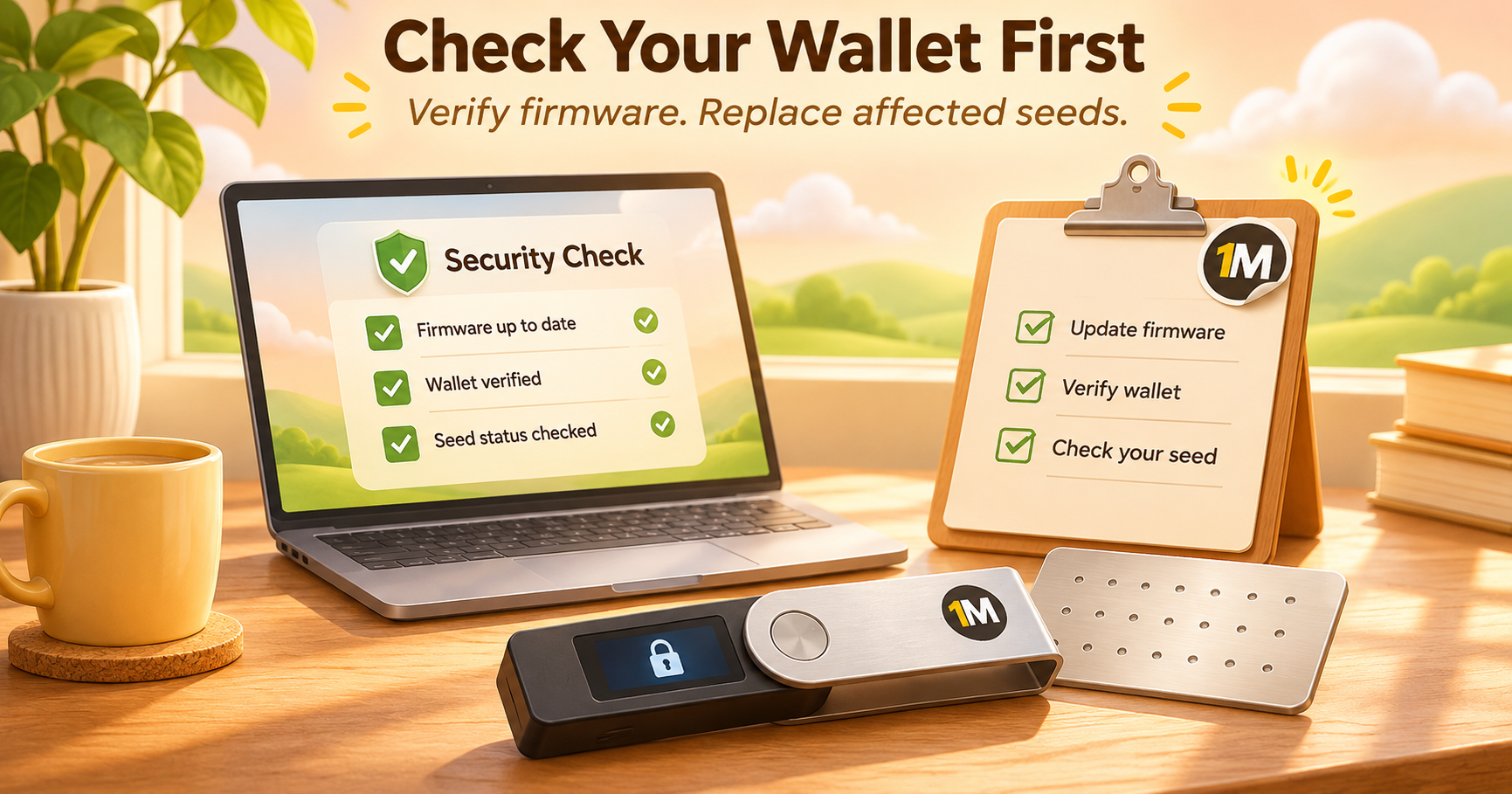
Coldcard maintains a living page, COLDCARD Security Status, described as its postmortem and remediation record. As of the version I read (dated 1 October 2026), it says:
- • Fixed releases: Coinkite lists 4.2.0 as the final Mk2/Mk3 firmware; the minimum fixes are 5.6.0 for Mk4/Mk5 standard, 1.5.0Q for Q standard, 6.6.0X for Mk4/Mk5 Edge and 6.6.0QX for Q Edge. The current firmware archive lists 5.6.3 for Mk4/Mk5 standard and 1.5.3Q for Q standard, with later fixed Edge builds also listed. Verify your model and track rather than relying on this dated list.
- • Install and verify current firmware before generating any new seed. The page describes verifying firmware by checking the SHA-256 hash and the signed signatures file.
- • New seeds now require your own randomness. On the standard track, new seeds combine fresh device entropy with one required method from you: at least 65 key presses with unpredictable timing, 50 physical six-sided dice rolls, or 128 physical coin flips.
- • Migrate affected seeds, following the step-by-step migration guide the page links to.
- • Passphrase note: the page recommends a strong, unique BIP-39 passphrase for wallets holding an amount that would be materially harmful to lose, but says a passphrase does not repair an affected seed and passphrase users should migrate as soon as practical.
- • No hardware wallet is risk-free, as the page itself says.
Two caveats from the manufacturer: its published independent checks target particular remediation mechanisms rather than constitute a full audit of every firmware binary, and a separate detailed technical postmortem was still in preparation as of the cited status update. Also note it's the manufacturer's own account, so it's the primary source but an interested one.
This guidance may have changed since I read it. Please check the page itself, not just this article.
If you use something else
The sources I read describe a Coldcard-specific bug, but the lesson applies to every wallet: how was the seed created? A reasonable checklist for any hardware or software wallet:
- • I know which device or app created my seed, and roughly when.
- • I've read the maker's latest security notices for my model.
- • My firmware is current and verified from the official source.
- • If my maker has issued a warning about seed generation, I know whether it applies to me.
Scam warning
Incidents like this attract scammers. Never provide your seed phrase to unsolicited support, a website, a recovery service or anyone claiming they need it to verify your account. If someone does, it's a scam. The OneMiners article Crypto Wallet Safety Guide (1 April 2026) lists classic warning signs, which apply here too: urgency pressure, secrecy requests, vague prompts and unfamiliar URLs (fraudulent sites often differ by a single letter). Its habits, such as using a small "hot" wallet for daily use, keeping main holdings in a wallet that never connects to unfamiliar sites, typing addresses yourself or using bookmarks instead of clicking links, and using a hardware wallet for significant holdings, are sensible. The OneMiners guide is a useful, beginner-friendly supplement on phishing and malicious permissions, but it addresses a different threat from weak Bitcoin seed generation. In particular, ordinary Bitcoin transactions do not use the standing ERC-20-style token approvals common on some other blockchains. Treat it as an additional layer of education, not Coldcard remediation instructions.
Part 2: Seed Phrase Backups, Done Properly
Unchained's guide The Ultimate Guide to Storing Your Bitcoin Seed Phrase Backups (first published 2022, last updated 25 August 2026) is the most thorough source I found. Here's the beginner's version.
Step 1: Decide your custody model first
The right backup depends on your setup:
| Model | What it means | Backup implication |
|---|---|---|
| Singlesig | One seed controls the funds | Whoever has the words controls the money, so storage must be tightly controlled |
| Singlesig + passphrase | An extra "25th word" creates a separate wallet | You must back up the passphrase too, separately |
| Multisig | Several keys, such as 2-of-3 | No single backup can move funds, so storage can be more flexible |
| Shamir-style sharing | A secret is split into shares under a specified threshold scheme | Recovery depends on the exact standard and wallet support; not all schemes or shares are interchangeable |
Step 2: Choose your material
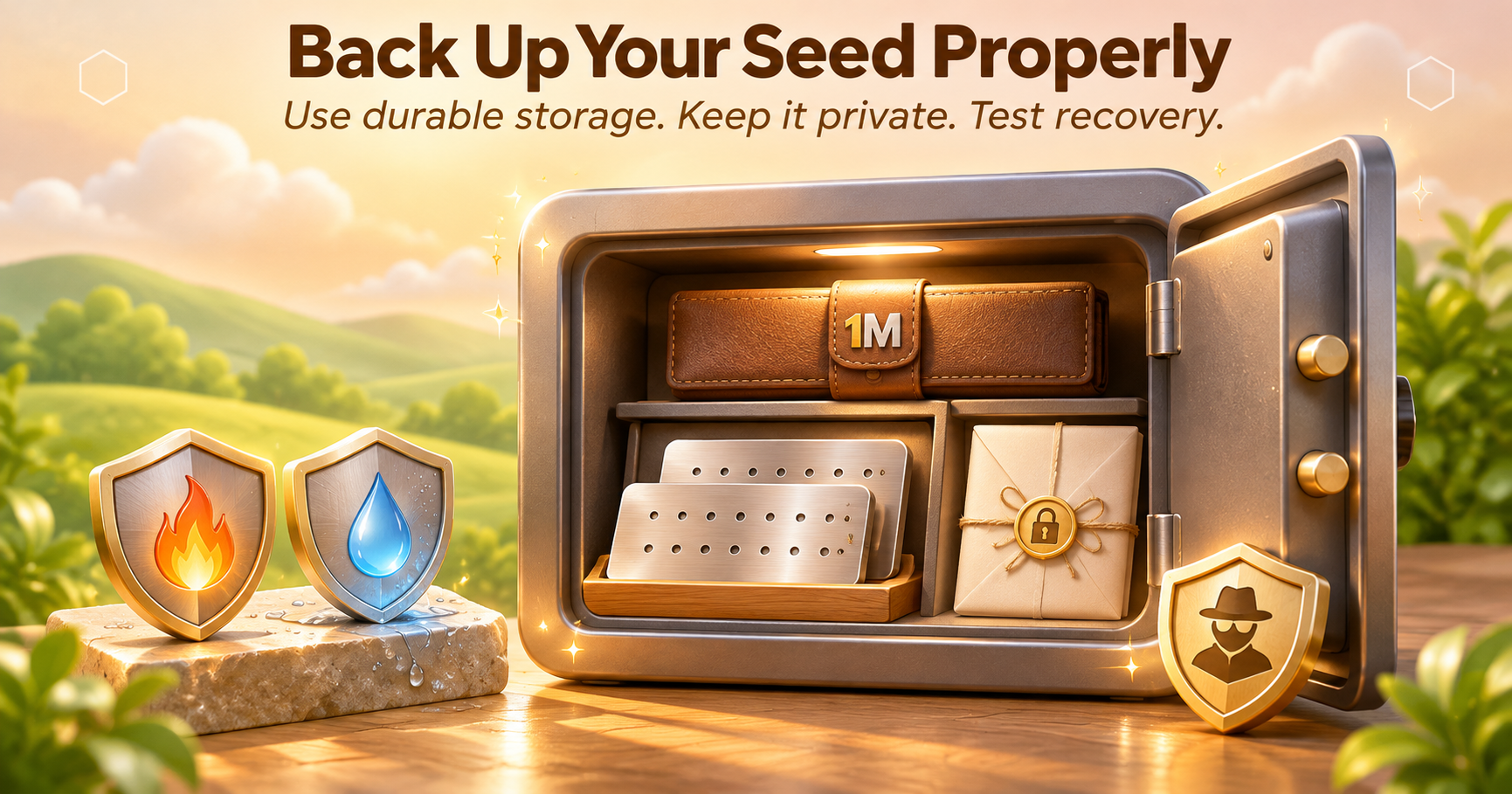
- • Paper: Can be sufficient when legible, protected from fire and water, and kept in a secure location. Lamination can help against moisture but does not protect against fire or theft.
- • Metal: Unchained prefers fire- and water-resistant metal backups, particularly for singlesig. Quality varies; verify that the stamping or engraving is readable and that the material survives the hazards you are planning for.
- • Either way: use a secure, hazard-resistant location; a marketed “fireproof” safe is not a guarantee against every temperature, flood, burglary or disaster.
Step 3: Choose your locations
Unchained's recommended spots:
- • A home safe, the most common choice. For singlesig, keep the seed here rather than with third parties.
- • A second location on your own property, such as a second safe or another property you own, so one burglary or fire can't destroy everything.
- • A safe deposit box (commonly considered for multisig or threshold shares). Unchained discourages it for a single unprotected singlesig seed because the custodian or legal process could gain access or deny access. A bank box may suit a setup where one stored share cannot authorize a spend; assess privacy, seizure, and access risks yourself.
- • A trusted family member (often for a non-sufficient multisig key or threshold share). Giving someone a complete singlesig seed can give them spending power. In multisig, verify that what they hold alone cannot satisfy the signing threshold.
And the poor choices: out in the open, a drawer, cupboard, shelf, filing cabinet, your bag or your workplace.
Step 4: Add redundancy
- • Singlesig relies on one controlling seed (plus any passphrase). Redundant copies may help against loss but increase exposure if any copy is stolen; plan for both risks.
- • Multisig: protect enough independent keys and backups to preserve your signing threshold after a loss, while keeping a thief from acquiring that threshold at one location. Avoid storing a device beside its seed where possible. Unchained's own suggestion for a 2-of-3 is four items (two hardware wallets and two seed phrases) stored geographically apart, such as a home safe, a second safe, and safe deposit boxes at two different banks. (This is Unchained's recommendation, and it sells related services.)
Step 5: Think carefully about a passphrase
Unchained's view:
- • A passphrase protects you if someone copies or exposes your seed digitally. It does not protect you if you lose every backup.
- • Don't rely on memory alone. Losing the passphrase means losing the bitcoin, and illness or an accident can erase memory.
- • For singlesig plus passphrase, store the seed and the passphrase in separate secure locations on your property, and avoid a safe deposit box for singlesig material because confiscation risk remains.
- • With multisig and Shamir, passphrases add complexity and are often unnecessary.
Remember Coldcard's page also says a passphrase does not repair an already-weak seed. A passphrase is a layer on top, not a patch.
Step 6: Test your recovery
This is the step beginners skip, and I'd put it near the top of my own list. Coldcard's own page recommends completing a power-cycle and recovery test before depositing funds, and verifying the wallet fingerprint. In general:
- • Use the device's supported backup-verification method and check the expected wallet fingerprint or identifying information.
- • Perform a safe recovery drill with the manufacturer's recommended method, ideally before depositing meaningful funds and without exposing the seed to an internet-connected computer.
- • Confirm a restored wallet reproduces the expected receive address; for multisig, also verify the wallet policy and that the required signers can actually sign.
- • Only then move meaningful funds.
(One caution: restoring a seed onto an internet-connected computer defeats the point of a hardware wallet. Follow your maker's documentation for safe recovery tests.)
Mistakes to avoid
From Unchained's list:
- • Poor locations or unprotected paper.
- • Putting singlesig seeds in a safe deposit box or with a third party.
- • Storing hardware wallets and seeds together.
- • Storing two items from the same provider in one safe deposit box.
- • Relying on memory for a passphrase.
- • Talking too much about where backups are kept, especially for singlesig.
- • Overcomplicating your setup.
- • Using Shamir's Secret Sharing without understanding the software tools.
- • Keeping everything in singlesig when a large share of your net worth is in bitcoin.
My own additions, which are general safety common sense rather than from the sources: never photograph your seed, never type it into a website, never store it in cloud notes, email or a password manager that syncs online, and never share it, even with someone who seems helpful.
Part 3: Multisig, in Plain English
What is multisig?
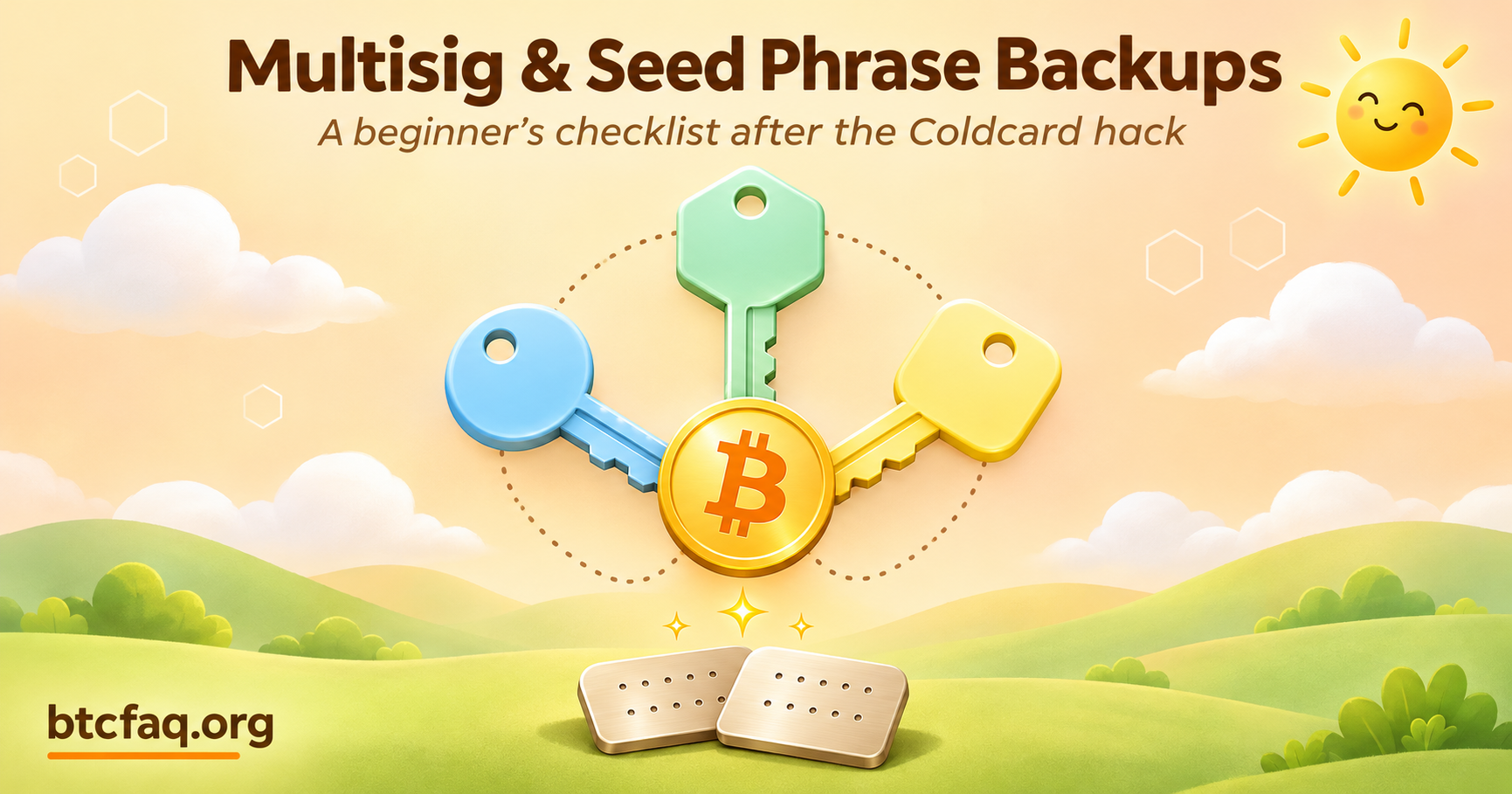
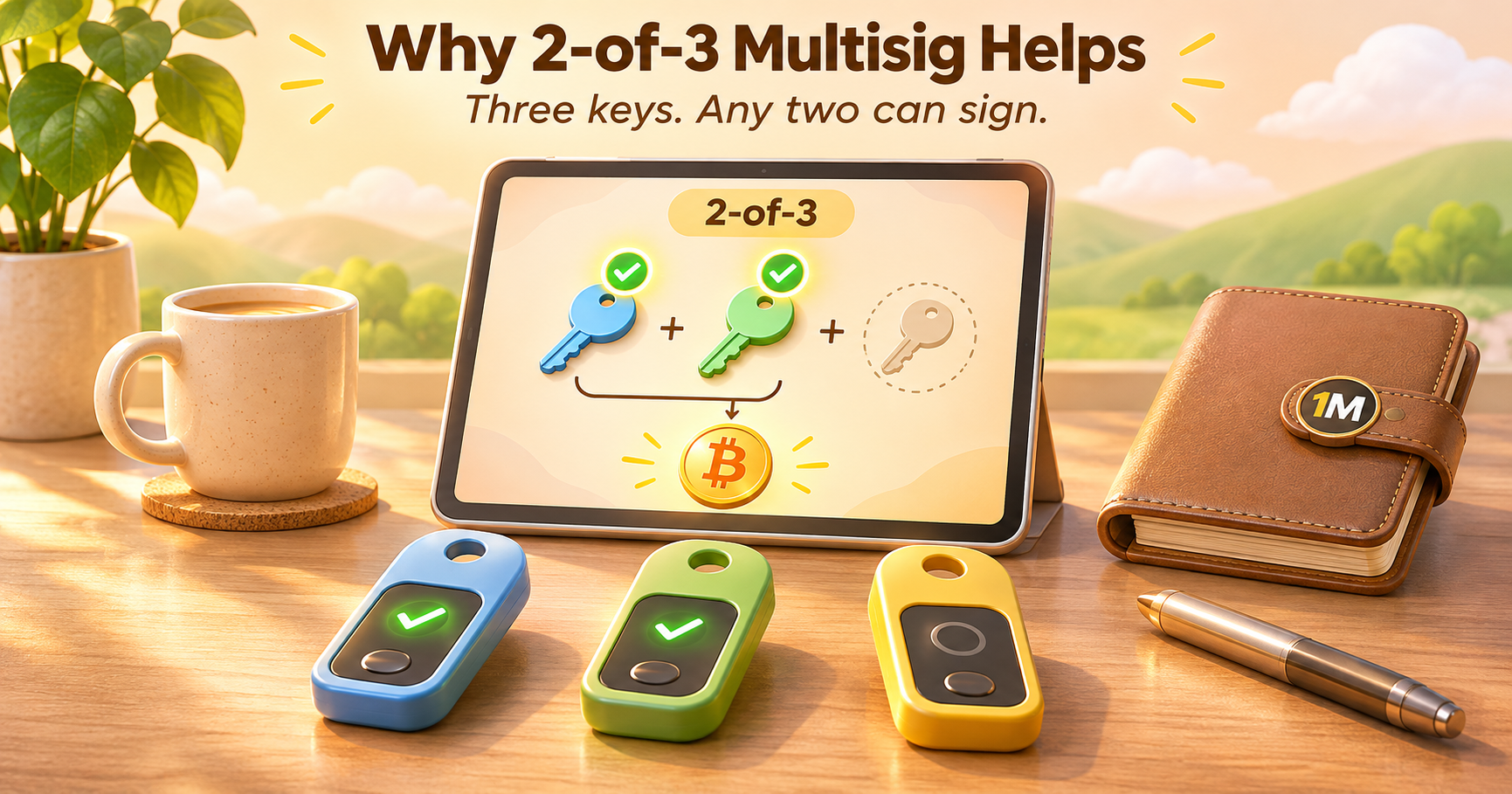
A typical singlesig wallet uses one controlling private-key path: whoever can reconstruct its seed and any required passphrase can usually spend. A multisig wallet needs several keys to approve a spend. A common setup is 2-of-3: three keys exist, and any two can sign. Lose one key, and you can still spend. Have one stolen, and the thief still can't.
Why it matters after the Coldcard hack
Unchained's article Multi-vendor multisig (first published 1 September 2026, updated 30 September) argues the hack is exactly the case multisig and multi-vendor setups are for:
- • Each key has to be generated somehow, often by the wallet's random number generator. If that process is flawed, attackers can regenerate the key.
- • If all keys come from one faulty device or vendor, one flaw can affect every key in the wallet.
- • Using hardware from different manufacturers limits the damage. A vendor-specific flaw touches only some of your keys. In a 2-of-3 with three different brands, one vendor's disclosure affects one key, and the other two remain outside that flaw.
Unchained reports that multisig users were better protected during the incident. That is a useful observation, but it should not be read as a verified universal rate of protection.
A simple illustration (without made-up risk percentages)
Imagine three independently generated signing keys in a 2-of-3 wallet. One key is generated by a device whose key-generation process later proves flawed. An attacker able to reconstruct only that one key still lacks the two signatures needed to spend. The owner can also recover from losing one key, provided the other two and the complete wallet policy remain available.
Now imagine all three keys were generated through the same flawed process, or two backups and devices were lost together in a fire. The theoretical 2-of-3 protection may not survive the shared failure. Different brands can help, but what matters is independent key generation, threshold design, reliable recovery and secure distribution—not a brand-counting rule. Real breach probabilities are unknown, so assigning precise percentage risk reductions would be misleading.
But is multi-vendor necessary?
Here's where I appreciate Unchained's honesty. It notes:
- • Data footprint: buying devices from several sources can increase exposure if a retailer has a data breach. Privacy-minded purchasing and delivery can reduce this.
- • Operational complexity: every device has its own interface. Learning several raises the chance of user error, and operational mistakes can also lose money.
- • Debate over necessity: the article says few reported cases involved funds stolen directly from Coldcard-related multisig addresses, including some wallets where most keys came from Coldcards, and it suggests multi-vendor setups aren't strictly necessary when combined with good security practices, though they provide real peace of mind.
There are also alternatives to buying several brands. Unchained mentions collaborative custody, where one key is held by a trusted friend, family member or institution (including Unchained itself), which adds key diversity without requiring you to operate multiple hardware brands. (Obviously, Unchained sells this, so weigh that.) It also mentions diversity in generation methods and storage locations, not just device brands.
Who should consider multisig?
My honest, non-expert take: if the amount you hold would be life-changing to lose, multisig is worth learning. If it's a small amount you'd shrug off, a well-backed-up singlesig wallet with a verified seed is fine. Unchained itself suggests considering multisig if a large share of your net worth is in bitcoin.
Part 4: The Beginner's Multisig Checklist
If you decide to try multisig, here's a cautious approach. (Again: follow your wallet software's and device makers' documentation for the exact steps.)
- • Start small. Set up a test multisig wallet with a tiny amount before using it for real funds.
- • Pick your m-of-n. 2-of-3 is the most common for individuals; it tolerates losing one key.
- • Choose diverse keys: different manufacturers if you can, and each key generated independently, ideally with your own added randomness where the device supports it.
- • Generate each key on verified, current firmware.
- • Back up each seed separately, on metal if possible, in different places. Don't keep a hardware wallet next to its own seed, and don't keep two items from the same provider in one deposit box.
- • Back up the multisig wallet policy and configuration. Depending on your coordinator, recovery may require a descriptor, script type, derivation paths, threshold and all cosigner extended public keys (xpubs). These are not signing secrets by themselves, but can expose wallet history and addresses. Store them privately and verify you can reconstruct the correct watch-only wallet and sign with the required keys. A descriptor-only import is not a complete signing recovery test.
- • Test recovery. Prove you can rebuild the wallet and sign a small transaction before trusting it.
- • Write simple, private instructions for someone you trust, so your plan doesn't die with you. Unchained's guide doesn't go deep on inheritance, but it notes a trusted family member can hold one multisig key, not a singlesig seed.
- • Keep it as simple as you can. Every extra component is a new way to make a mistake.
Part 5: What About People Who Receive Mining Payouts?
If you mine Bitcoin or host ASICs, the wallet receiving your withdrawals deserves the same security planning as any other Bitcoin wallet. Confirm the address on a trusted device and distinguish funds still shown in a provider dashboard from a confirmed on-chain payment to an address you control. Avoid reusing receiving addresses where practical, and have a tested recovery plan before accumulating a large balance.
Cassy Soriano's OneMiners App Explained: A Tour of the New Miner Interface describes OneMiners' advertised worker monitoring, earnings history, wallet balance, withdrawals and transaction-status views. These can be useful for managing mining operations and keeping track of payouts. A clear dashboard supports visibility, but cannot verify the randomness or security of the seed behind your personal wallet. For general phishing and authorization hygiene, the OneMiners Crypto Wallet Safety Guide is a helpful complementary resource.
Six Honest Opinions
1. Testing recovery is the most underrated step. A backup you've never tested is a hope, not a backup. I'd rather see someone with a modest setup who has practiced a recovery than someone with an elaborate system they've never rehearsed.
2. Metal backups are worth the money for singlesig. Unchained calls them essential for most singlesig users, and I agree with the logic: fire and water are boring, real threats. It's the cheapest durable upgrade on the list.
3. Multisig is great, but only if you can operate it. Unchained says it plainly: operational mistakes can also lose money. A complicated setup you can't recover is worse than a simple one you can.
4. Multi-vendor is a smart idea, not a religion. It directly addresses the kind of failure the Coldcard hack showed. But even Unchained concedes it isn't strictly necessary with good practices. I'd weigh the amount at risk, your technical comfort and your ability to buy and learn several devices.
5. Be skeptical of anyone who profits from your fear. Unchained sells multisig; Coldcard sells hardware wallets; OneMiners sells mining hosting; wallet vendors of every kind benefit when you feel unsafe. That doesn't make their advice wrong, but it's why I try to cross-check claims and rely on the manufacturer's own primary notices for specifics.
6. Don't let perfect be the enemy of safe. If this checklist feels overwhelming, do three things: check your wallet maker's security notice, make a durable backup, and test recovery. That alone puts you ahead of most people.
A Note on Sources
For transparency: Coldcard's security status page is the manufacturer's own account; it's the primary source for Coldcard-specific guidance but also an interested one. Unchained sells multisig custody and collaborative-custody services, which colors its recommendations (including its four-item storage suggestion). OneMiners and Cassys are affiliated, and the company sells mining hardware and hosting, so their content is commercial; per your instructions, I've left out any promotional discount codes. The Cassy Medium article was accessible during this review, and its specific dashboard and withdrawal descriptions are attributed to its published account. The multisig descriptor explanation reflects general wallet-recovery practice; it is not an endorsement of a particular coordinator. Seed security, device-specific steps and multisig restore procedures must be verified with official wallet documentation. My calculations are labeled as mine.
Common Misconceptions
"If I update my firmware, I'm safe." Not for an old seed. Coldcard says an update is not a seed migration.
"A passphrase fixes a weak seed." No. Coldcard says a passphrase does not repair an affected seed.
"Multisig is only for experts." It requires more planning than singlesig, and beginners should practice with a small amount and prove they can recover and sign before moving meaningful funds.
"All my keys in one brand's multisig is just as good as mixing brands." It may create common-mode vendor risk. Multi-vendor keys can reduce that particular risk, but do not guarantee independence from shared software or operational failures.
"A safe deposit box is always the best place for a seed." Unchained generally recommends against putting a complete singlesig seed under third-party control. For multisig and threshold shares, it may be suitable if the stored material alone cannot spend funds. Your threat model and jurisdiction also matter.
"Metal backups are overkill." For singlesig, Unchained calls them essential for most people, because of fire and water risk.
"I can keep the seed in my phone notes for convenience." Please don't. Digital copies are the main way seeds get stolen.
"More complexity means more security." Unchained's own warning is the opposite: unnecessary complexity is a security threat.
Frequently Asked Questions
What should I do first after the Coldcard hack? If you use a Coldcard, read the manufacturer's security status page for your exact model and firmware track and follow its migration guidance if your seed was created on affected firmware.
Does updating my firmware fix my old seed? No. According to Coldcard, an update isn't a seed migration; it only fixes future seed generation.
What is a seed phrase backup? A written or engraved copy of the 12 or 24 words that let you rebuild your wallet. As far as I know, 12 words correspond to 128 bits of entropy and 24 words to 256 bits.
Is metal better than paper? Unchained prefers metal because it resists fire and water, and calls it essential for most singlesig users. At minimum, laminate paper.
Where should I store backups? Choose secure locations that protect against theft, fire, water and simultaneous loss. Unchained suggests private, monitored storage for singlesig and considers third-party storage more appropriate for individual multisig or threshold shares that cannot authorize spending on their own. No location is perfect.
Should I use a passphrase? Coldcard recommends one for meaningful amounts, but Unchained warns not to rely on memory and to store it separately. Neither says it can fix an already-weak seed.
What is multisig? A wallet that needs several keys to approve a spend, such as 2-of-3.
What is multi-vendor multisig? A multisig setup where the keys come from hardware made by different manufacturers, so one vendor's flaw affects only some keys.
Is multi-vendor multisig necessary? Not for every owner. It may reduce correlated vendor-specific failures, but costs more in setup, operational complexity and privacy exposure. Independent keys and a working recovery process matter at least as much.
How do I test my backup? Verify the words and the wallet fingerprint, and do a recovery test with a tiny amount following your wallet maker's instructions, before moving real funds.
What if I'm a beginner and this feels like too much? Start with three steps: check your wallet maker's security notice, make a durable backup, and test recovery. Add multisig later if the amount justifies it.
Can I use these steps if I receive mining payouts? Yes. Use a verified receiving wallet with a tested backup and recovery process. Monitor payouts separately from the security of the keys controlling the destination address.
Publication checklist: what matters most
Before putting meaningful BTC at risk, make sure you can answer three questions: Was this seed generated safely? Can I recover the correct wallet and spending policy? Could one theft, loss or vendor problem defeat the whole setup? If any answer is unclear, address it with official documentation or qualified help before adding more complexity.
Sources and Further Reading
- • COLDCARD Security Status — model, firmware and seed-risk updates
- • COLDCARD official migration guide for affected seeds
- • COLDCARD firmware archive
- • Unchained: Ultimate guide to storing seed phrase backups
- • Unchained: Multi-vendor multisig
- • OneMiners: Crypto Wallet Safety Guide
- • Medium: OneMiners App Explained
Final Thoughts
The Coldcard hack was a reminder that self-custody is a skill, not a setting. The good news is that the skill is learnable, and most of it is boring: know where your seed came from, back it up on something that survives a fire, keep copies apart, test recovery, and for larger amounts consider splitting risk across several keys, ideally from different makers.
You don't need to do all of it today. But if you do one thing after reading this, make it the unglamorous one: pick a quiet hour, check your wallet maker's latest security notice, and run a recovery test with a small amount. Your future self will thank you.
Editorial review: November 17, 2026. Wallet security notices and firmware versions can change; official manufacturer guidance takes priority over a dated article.